

Android Apps: The Only Ones You Need (And Why)
Introduction
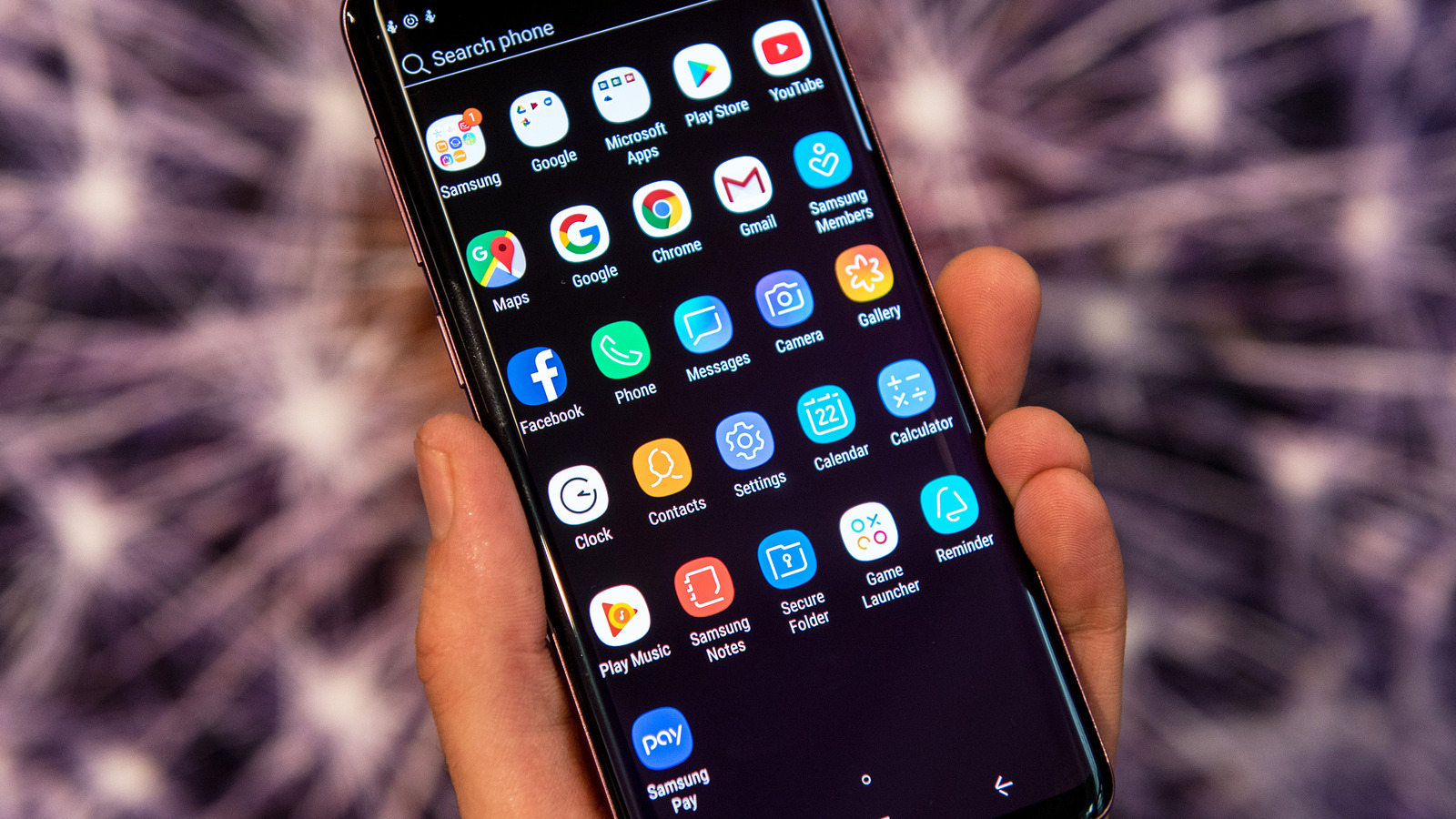
Okay, let’s be honest. Your phone’s probably overflowing with apps you downloaded with the best intentions, used twice, and then relegated to the digital graveyard of your app drawer. We’ve all been there. But amidst the clutter, there are a handful of truly indispensable Android apps that can genuinely streamline your life, boost your productivity, and even enhance your well-being. This isn’t about downloading the latest trendy app; it’s about curating a collection of powerful tools that actually make a difference.
So, before you dive headfirst into another app-downloading frenzy fueled by a clever ad, let’s explore the core apps that will not only simplify your digital life but also have a lasting positive impact on your daily routine.
The Problem: App Overload and Digital Fatigue
We’re drowning in apps. Think about it. We download them based on recommendations, targeted ads, or fleeting needs. In the short term, this constant influx of new apps contributes to:
- Notification Anxiety: Constant pings and alerts vying for our attention, making it hard to focus.
- Digital Clutter: A disorganized app drawer that makes it difficult to find what you need, wasting precious time.
- Battery Drain: Background processes consume precious battery life, leaving you scrambling for a charger.
But the long-term effects are even more concerning:
- Reduced Productivity: The constant temptation to check social media or play games can significantly hinder focus and productivity.
- Digital Fatigue: Feeling overwhelmed and burnt out by the sheer volume of information and stimuli vying for your attention.
- Data Privacy Concerns: Many apps collect and share your data without your explicit consent, raising serious privacy concerns.
The Solution: A Curated Collection of Essential Apps
It’s time to ditch the digital baggage and embrace a minimalist app approach. Here are the categories of apps you *actually* need, along with examples and why they matter:
1. Password Manager: Keeper, LastPass, or Bitwarden
- Why you need it: Let’s face it, remembering dozens of complex passwords is a nightmare. Password managers securely store all your login information, generate strong passwords, and even auto-fill them on websites and apps.
- Short-Term Impact: No more frantic password resets.
- Long-Term Impact: Enhanced security, protection against identity theft, and peace of mind.
- Alternative Approaches: Consider using the built-in password managers offered by Google or Samsung, although third-party options often offer more features and cross-platform compatibility.
2. Note-Taking App: Google Keep, Evernote, or Microsoft OneNote
- Why you need it: To capture ideas, create to-do lists, jot down reminders, and organize your thoughts.
- Short-Term Impact: Stay organized and never forget important details.
- Long-Term Impact: Improved productivity, enhanced memory, and a personal knowledge base.
- Example: A student could use OneNote to organize notes for different courses, while a business professional might use Google Keep to capture meeting notes and track action items.
- Alternative Approaches: For simple note-taking, consider a dedicated text editor like Notepad++, or for visual learners, try a mind-mapping app like MindMeister.
3. Cloud Storage: Google Drive, Dropbox, or Microsoft OneDrive
- Why you need it: To back up your important files, access them from any device, and share them easily with others.
- Short-Term Impact: Avoid data loss in case your phone is lost, stolen, or damaged.
- Long-Term Impact: Securely store your memories, documents, and creative work. Seamless collaboration with others.
- Example: A photographer can use Google Drive to back up their photos and share them with clients, while a writer can use Dropbox to collaborate with editors on a manuscript.
- Alternative Approaches: Consider a local external hard drive for backups, but remember that cloud storage offers the added benefit of remote access.
4. Finance Tracking: Mint, Personal Capital, or YNAB (You Need A Budget)
- Why you need it: To track your spending, create a budget, and manage your finances effectively.
- Short-Term Impact: Gain insights into your spending habits and identify areas where you can save money.
- Long-Term Impact: Achieve your financial goals, reduce stress about money, and build a secure financial future.
- Example: A recent graduate can use Mint to track their student loan payments and create a budget to pay them off faster, while a family can use YNAB to plan for major expenses like a down payment on a house.
- Alternative Approaches: Consider using a simple spreadsheet to track your spending, but financial tracking apps offer automated features and insights.
5. Meditation/Mindfulness App: Headspace, Calm, or Insight Timer
- Why you need it: To reduce stress, improve focus, and enhance your overall well-being.
- Short-Term Impact: Feel calmer and more centered in the moment.
- Long-Term Impact: Improved mental health, reduced anxiety, and increased resilience.
- Example: An individual struggling with anxiety can use Headspace for guided meditations to manage their symptoms, while a busy professional can use Calm to improve focus and productivity.
- Alternative Approaches: Consider practicing mindfulness through guided imagery or deep breathing exercises without using an app.
6. Reader app: Google Play Books, Kindle, or Libby
- Why you need it: to read books.
- Short-Term Impact: Enjoy the pleasure of reading
- Long-Term Impact: Expand your knowledge.
- Example:
- Alternative Approaches:
7. Music and Podcast: Spotify, Amazon Music, or Pocket Casts
- Why you need it: To listen to music.
- Short-Term Impact:
- Long-Term Impact:
- Example:
- Alternative Approaches:
The Action Plan: Declutter and Conquer
Ready to reclaim your digital life? Here’s a practical plan:
- Audit Your Apps: Go through your app drawer and identify the apps you rarely use or don’t need.
- Uninstall Ruthlessly: Don’t be afraid to delete apps you’re not using. You can always re-download them later if needed.
- Organize Your Remaining Apps: Create folders or use a launcher to group similar apps together.
- Disable Notifications: Turn off notifications for apps that aren’t essential.
- Set App Usage Limits: Use Android’s Digital Wellbeing features to limit your time on distracting apps.
- Commit to a Minimalist Mindset: Before downloading a new app, ask yourself: “Do I really need this? Will it truly add value to my life?”
The Takeaway: Empowerment Through Simplicity
You don’t need hundreds of apps to live a fulfilling digital life. By curating a small collection of powerful and essential apps, you can simplify your routine, boost your productivity, and improve your well-being. The goal isn’t to deprive yourself of technology but to use it intentionally and effectively. Start with the categories outlined above, experiment with different apps within each category, and find the ones that work best for you. Remember, less is often more. By embracing a minimalist app approach, you’ll gain control over your digital life and unlock a new level of focus, productivity, and peace of mind. So, take action today. Declutter your phone, and discover the power of simplicity. You’ll be amazed at how much better you feel.
